October 2018 Students Register Here
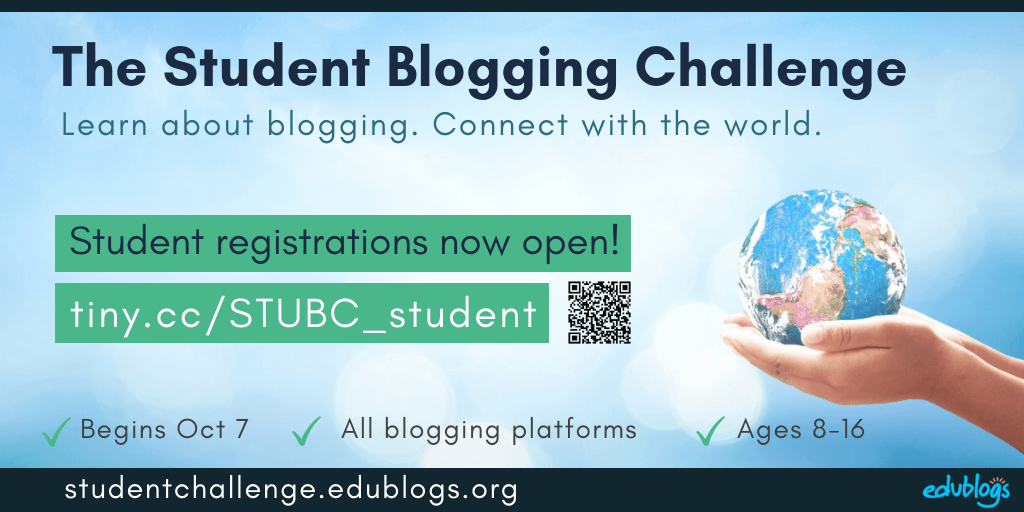
Registrations are now open for the next Student Blogging Challenge! This is a way for students to learn about blogging while connecting with other students around the world.
Read more about the challenge here.
The sign-up form in this post is for students to register as individual student bloggers. Click here to find the sign-up form for teachers wanting to register their class.
Registration Information
Before filling in the registration form below, please read the following information.
Who should register?
Students should register who:
- Have their own personal blog (any platform)
- Want to connect with other students around the world
- Have permission to take part from their teacher/parents
- Are aged between around 8-16
- Are located anywhere in the world
Note: Please register only once.
Reminders before registering
Please read through the Frequently Asked Question guide on our About page which explains more about the challenge.
Mailing List options for students:
- Students with their own email address might want to sign up for our email list to get sent all the Student Blogging Challenge news and the weekly posts. Click here for the mailing list sign up form.
- Students without email addresses can check the weekly post on this site each week and/or ask a parent or teacher to sign up for the mailing list. Sometimes teachers post the challenge information on a class blog for students to refer to as well.
Before the challenge begins on October 7
There are a few things you can do prior to the challenge to make sure you’re ready to go on October 7.
- A few days after registering, check the student participants’ page. Click here or look for 2018 Students in the header area of this blog. Check this list prior to October 7 to make sure you are on the list and your details are correct.
- If you are not listed on the participants’ page, register again being careful that your blog URL is correct.
- If you are on the participants’ list, start visiting other student blogs if you have time. You might choose to visit students who are a similar age to you or who share similar interests.
- Consider starting the Blogging Bootcamp self-paced course if you’re new to blogging and need to get your blog set up before beginning.
- Make sure you have a few posts published on your blog so others can leave comments when they visit.
- Spread the word! For students/classes that use Twitter, the hashtag is #STUBC.
Registration Form
Read through all the information above? Ready to join us? Simply fill out the form below or click here to open it in your browser.
Any questions? Leave a comment below and I’ll get back to you!
What's on this page?
21 comments on “October 2018 Students Register Here”
Hi I’m Jaxon
I am confused…am I entered into the contest for blogging that starts October 7th????
Hi there,
You can check out the spreadsheet on this page and see if your name is listed there. Tip: Use Control F (or Command F) to bring up a search box to look for your name. If you’re not there, you’ll need to register using the registration form https://studentchallenge.edublogs.org/2018/09/04/oct-2018-students/
The Student Blogging Challenge isn’t a contest — just a way to learn about blogging and make global connections 🙂
Hello,I like the same thing as you
thanks I appreciate that
Hello, I see that some of my students are in pink on the list. Their Blog URL is correct, so I’m guessing that it must be their settings. However, because we have the free edublogs account, I don’t seem to have a way to change their view settings. Any feedback would be appreciated. Thanks!
Hi there!
Those student blogs are password protected so users who aren’t logged in can’t visit them. Don’t worry, you can still change those settings on free blogs. 🙂
On the left-hand side of your class blog dashboard, go to My Class > Settings. Then under privacy settings, click on ‘discourage search engines from indexing this site’.
Let’s know how you go!
Thanks!!
Okay good
Hi, I am Maria I changed my old URL to a new one https://marias29.edublogs.org. This one is the new one.
Thanks for letting me know, Maria. I deleted the old one. 🙂
Hi, my new URL is https://asiaismail.edublogs.org
I would like to use this one instead
Thanks for letting me know. I fixed that up!
i have a bad link that’s listed in my classroom list. i created 2 blogs by accident and deleted the one that’s listed. if it could please be updated the new link is http://davaunte.edublogs.org
Thank you, Davaunte. I’ve fixed that up.
Hi!
hi
Can you participate and use Google Sites? I’ve always used Edublogs but now that I’m a teacher-leader, I know that most our teachers are using Google Sites/
Hi Aletha,
You’re welcome to join in using any platforms. The only thing is, our specific ‘how-to’ instructions will refer to Edublogs so you’ll just have to adjust as needed.
Hope to have you on board!
I would like to be a commenter however do not see the registration form
Hi there,
Thanks for offering to volunteer. We really appreciate it! Here is the direct link to the commenting form https://docs.google.com/forms/d/1SXRhr7vhjbeYHQCkTmxPT6Ez1A6bu2tEV4zj0DoLizk/edit?ts=5b6d376a